Plain-English questions
Ask “where are we weakest?” instead of building a filter.
Platform
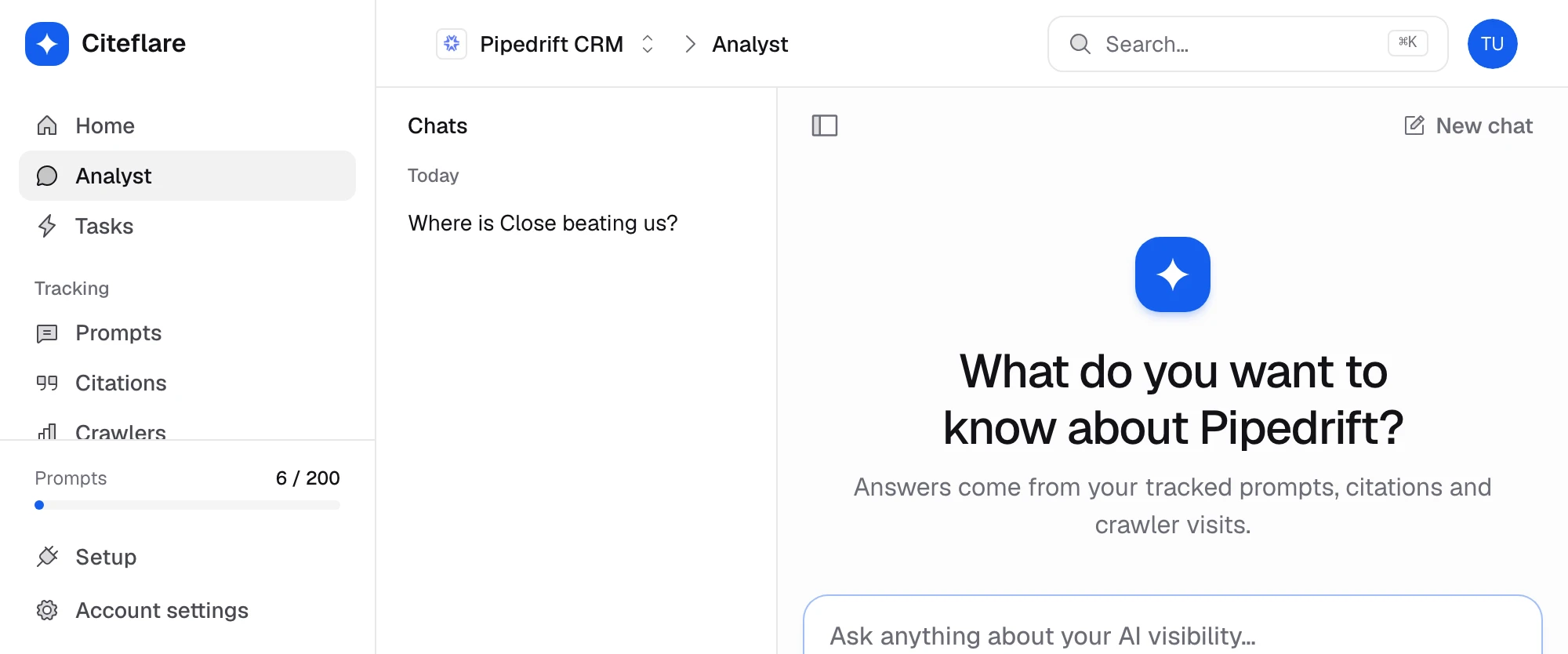
The agent reads your project’s scans, citations and competitors. Ask it a question or run a skill, and get an answer you can check against the source data.
How it works
01
Start a new chat in your project. It has access to that project’s data only.
02
Type a question, or run a prepared skill such as the weekly recap.
03
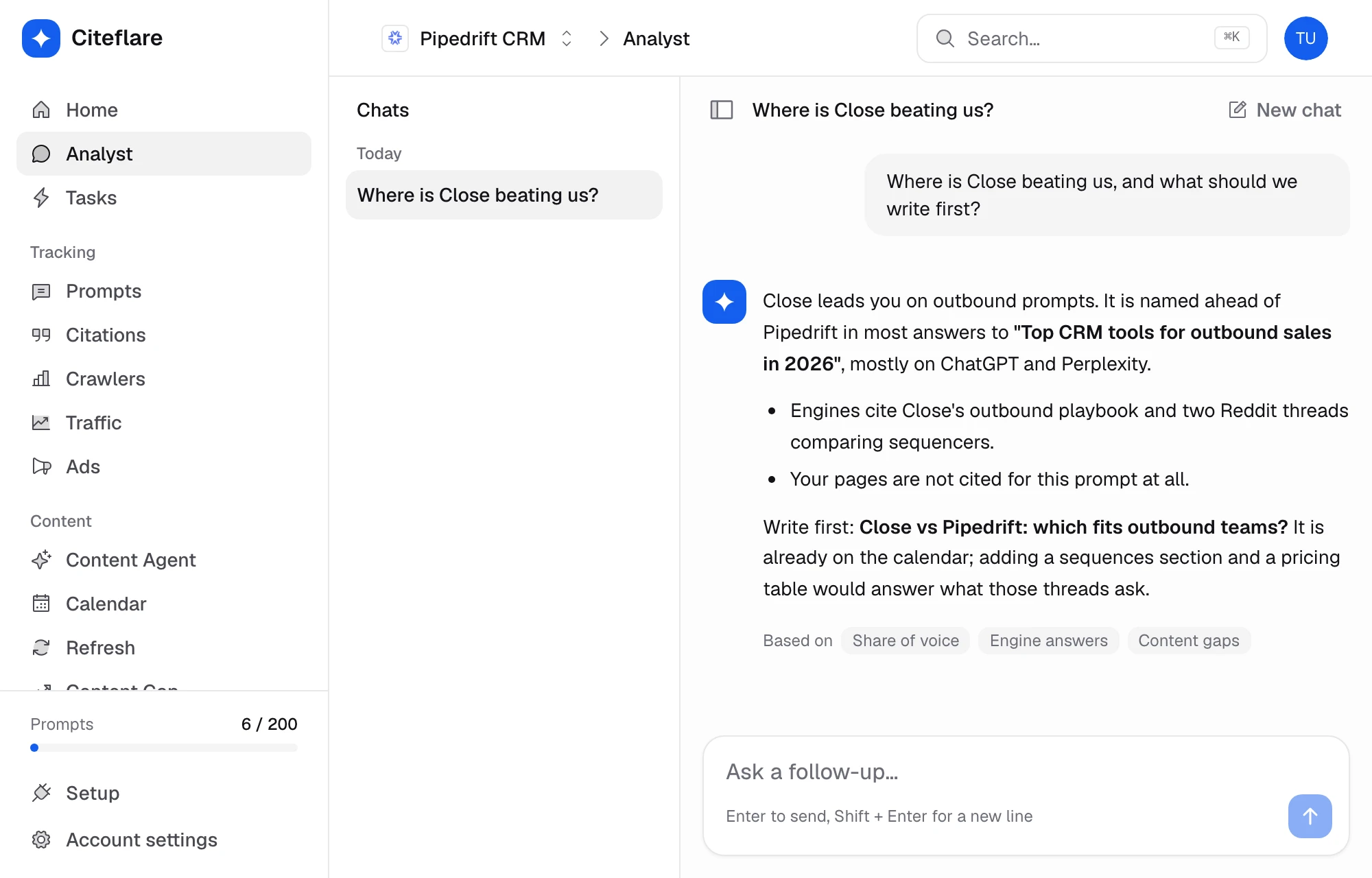
Answers are built from your scans, citations and competitors, and reference the prompts they come from.
04
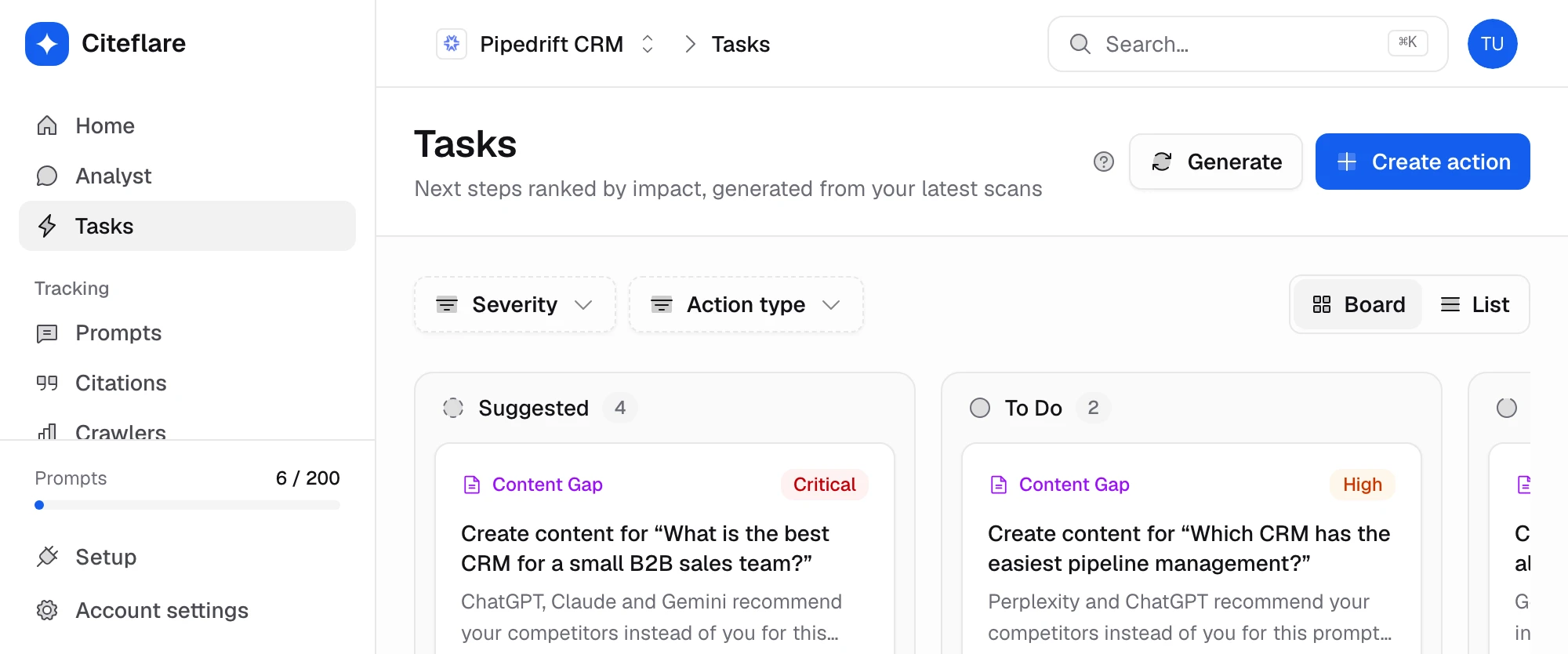
Hand a finding to the content agent, or ask for a plan of next steps.
Capabilities
Ask “where are we weakest?” instead of building a filter.
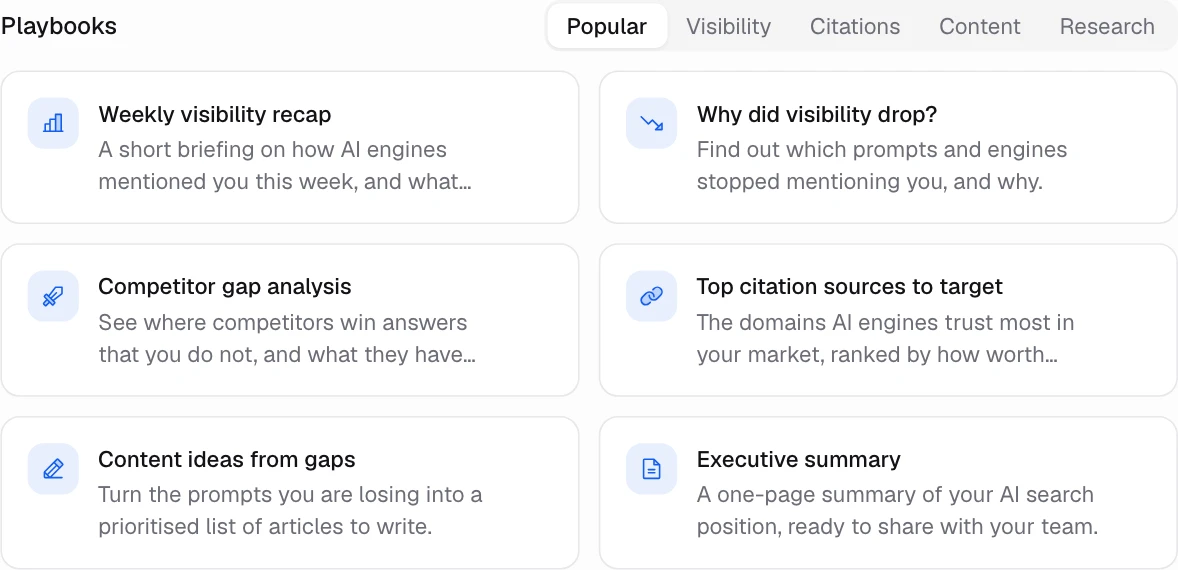
Prepared workflows for visibility, citations, content and research.
A weekly summary of what changed, what moved and what to do next.
Lists prompts where competitors are named and you are not.
Answers can point to the citations and prompts behind a claim.
Past chats are kept per project, grouped by date.
In depth
Chat
Instead of clicking through tabs, ask for the comparison you want. The agent queries your project data and answers in a few lines.
Skills
A skill is a prepared task with a fixed shape of output. Run the same briefing every Monday and compare it with last week’s.
Handoff
When the agent finds a gap, hand it to a content agent in the same flow, so the insight does not get lost in a document.
Metrics
Related
Track the prompts your buyers ask AI. Citeflare scans ChatGPT, Claude, Gemini, Perplexity and Google AI Overviews every day and records mentions, position and sentiment.
Measure how often AI engines name you versus competitors. Share of voice, a heatmap by engine and competitor suggestions pulled from real answers.
Turn a gap into a brief, an article and a published page. Citeflare’s content agents write, schedule and publish to WordPress or a webhook, and refresh existing pages with a diff.
Faq
Only the project you opened it in: its prompts, scan results, citations, competitors and content.
Yes, like any language model. It works from your data and points at it, so check important claims against the source tables.
It reads data and can draft briefs. Publishing still needs your approval.
A saved workflow, such as a weekly briefing or a content-gap search, that returns the same shape of answer each time.
See the pricing page for what each plan includes.
Monthly or annual plans. Cancel any time.